 Doc Summary
Getting Started with SyncTools for Linnworks & QuickBooks Integration
SyncTools is your all-in-one solution to seamlessly connect Linnworks with QuickBooks for automated accounting.
SyncTools simplifies your workflow and secures your financial data.
🛡 Your Data is Protected
SyncTools values your privacy. We host our services on Google Cloud, following rigorous data security and compliance standards, ensuring encrypted and secure storage for all your business data.
Step-by-Step Guide to Get Started
1. Visit the SyncTools Website
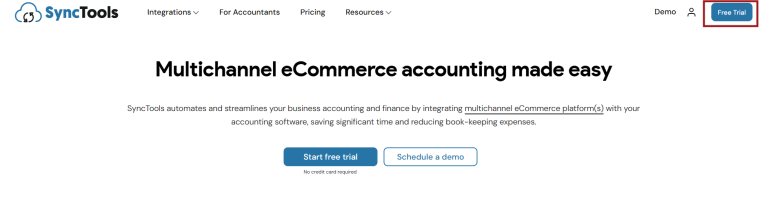
- Go to https://synctools.ai
- Click on the “Free Trial” button on the homepage.
2. Select Your Integration Channel
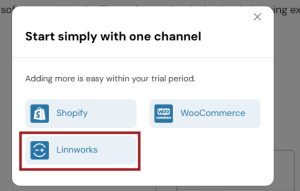
Choose Linnworks as your starting channel. SyncTools also supports platforms like Shopify, WooCommerce, Magento, and others.
3. Choose How to Sign Up
You have two simple options:
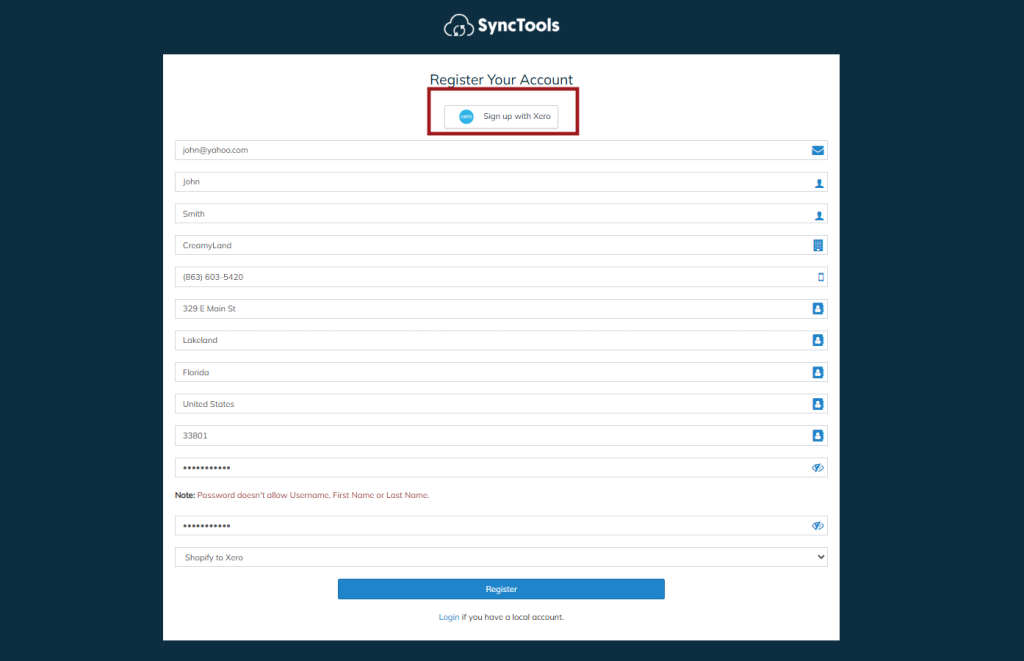
Sign Up with Xero
Already using Xero? Click on “Sign Up with Xero”.
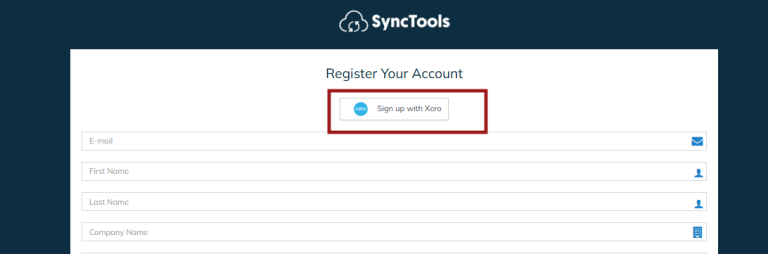
Don’t have a Xero account? You can easily create one during this step.
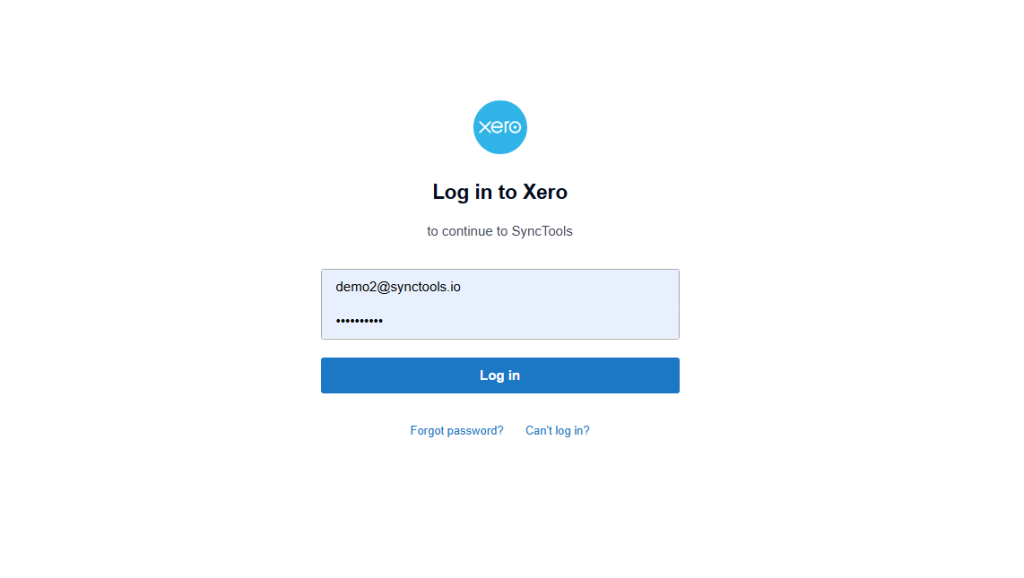
Manual Sign-Up
Prefer not to use Xero? Simply fill in your business and contact details on the SyncTools registration form.
Click Register to create your account.
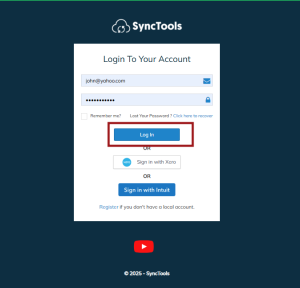
Log in to SyncTools
- After registration, click on Login. (Make sure, that you have verified the account from the inbox)
- You can log in using:
- Your registered email and password
- Your Xero or QuickBooks credentials