
SyncTools features
Synchronize your multichannel eCommerce platform data effortlessly to your accounting software
Fully configurable tool
SyncTools puts you in the control of your data. It lets you configure how data should be mapped for each payment method, tax, discount.
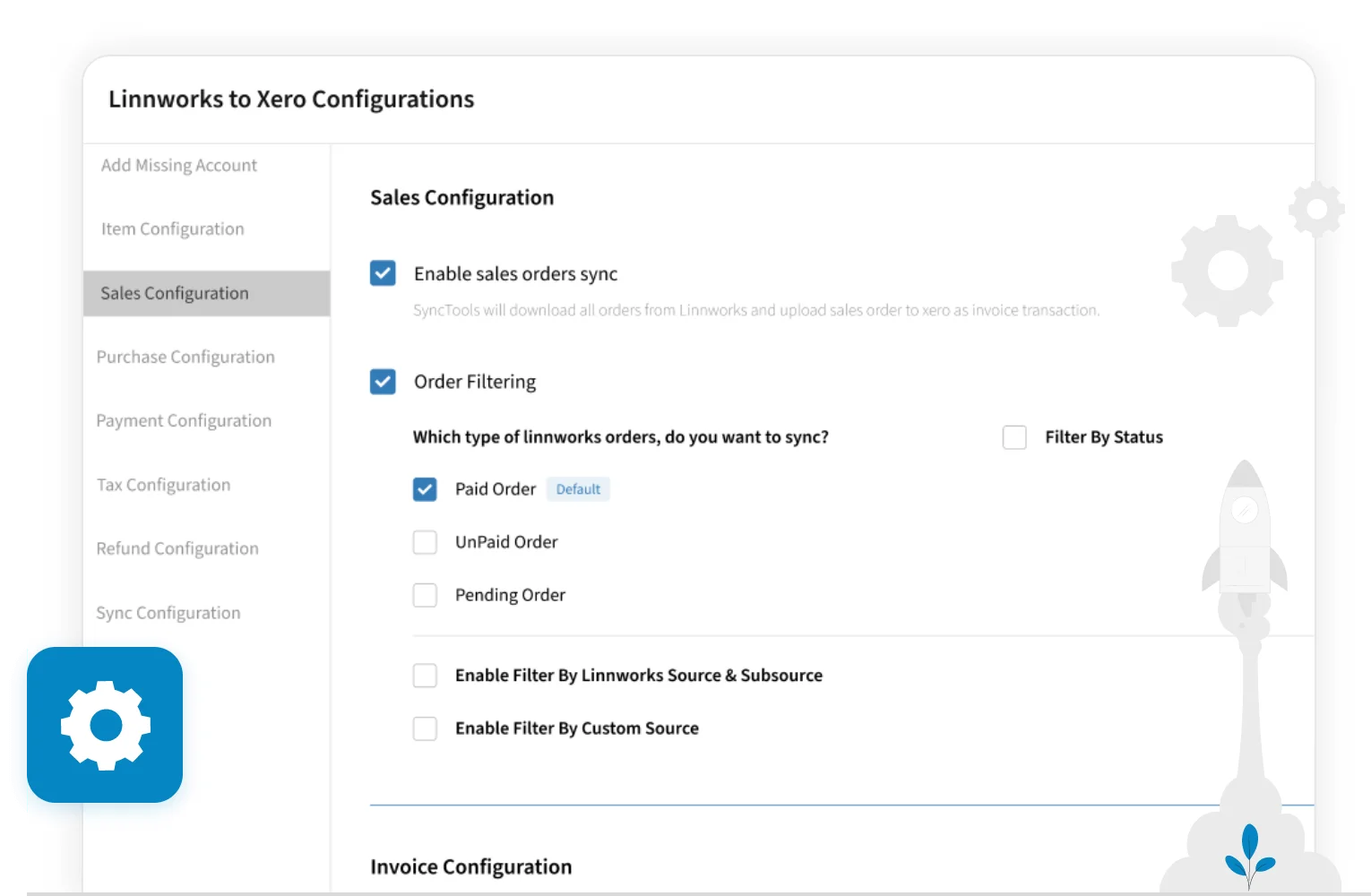
Filter unwanted orders
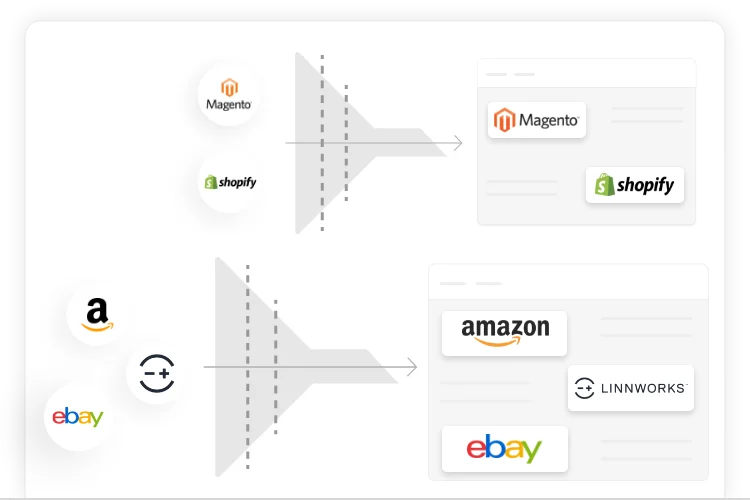
Sync orders only from channels which you need in QuickBooks, Xero, Oracle NetSuite and Zoho Books.
You can stop orders from certain channels to go in multichannel eCommerce platform using source and subsource wise filters.
Individual/grouped invoices
For businesses that handle more than 6,000 orders each month, there’s the option to consolidate all daily transactions into a single invoice, bearing the name of the source.
Additionally, this grouping feature is extendable to weekly or monthly periods as well.
The consolidation can be performed based on various criteria, such as subsource and country.
Furthermore, multiple combinations of grouping are available, including source and subsource, source and country, and even a more comprehensive grouping option involving source, subsource, and country.
Tracking category or location mapping
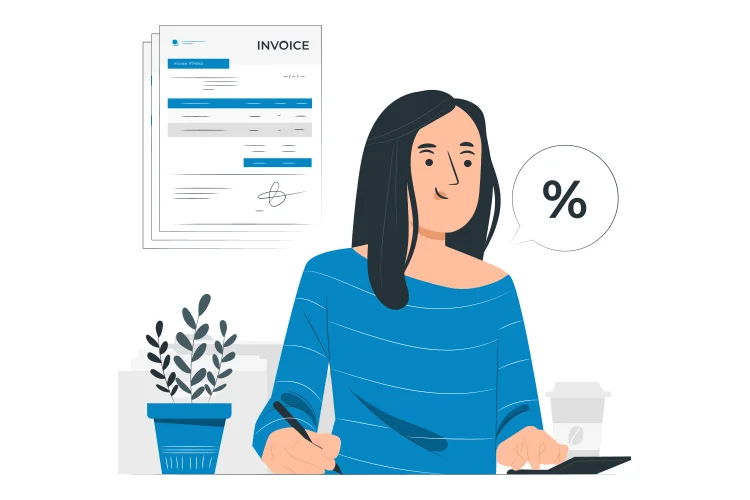
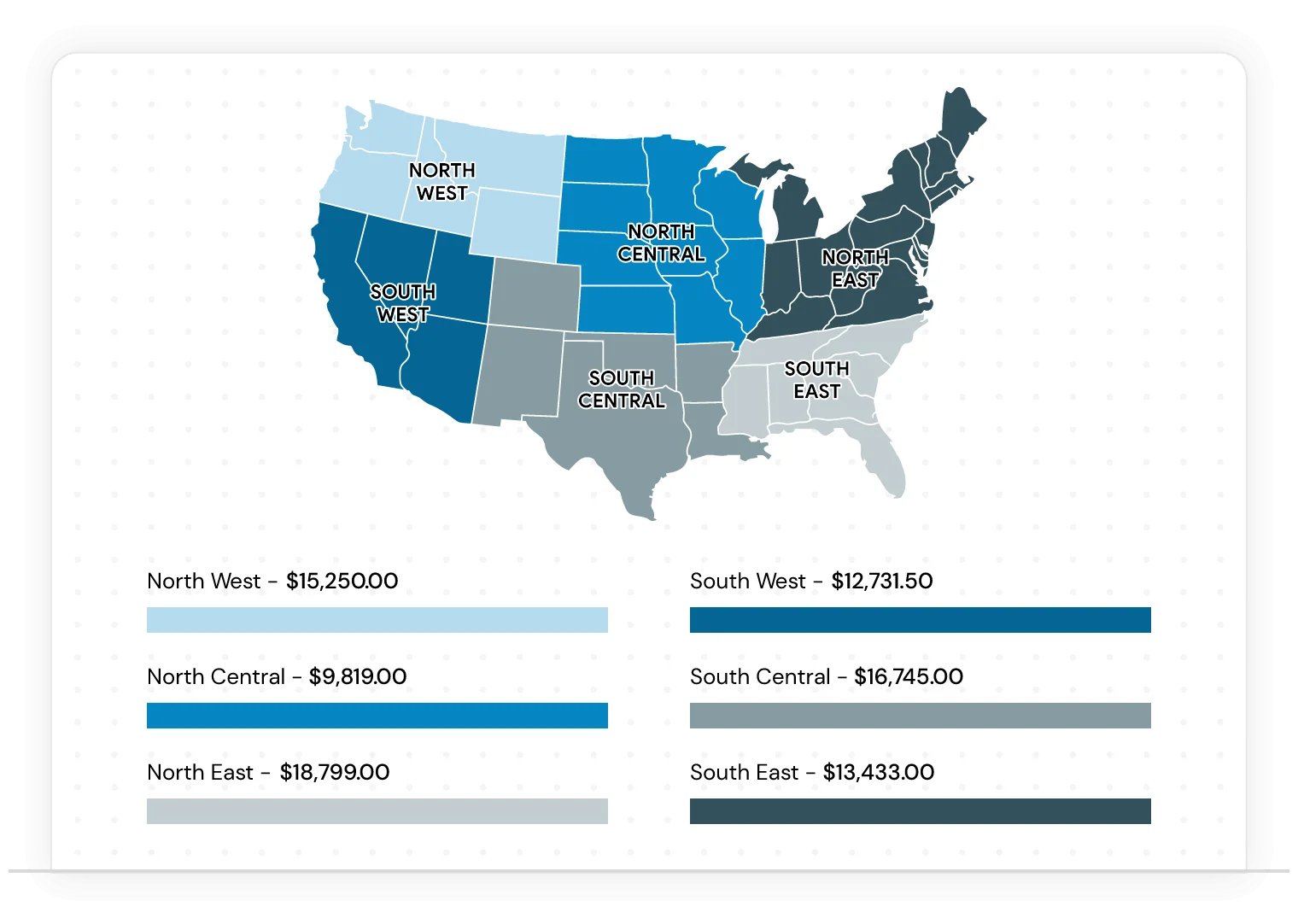
Bifurcate the sales data by each sales channel. In simple words, you know exactly how much sales, revenue, the net profit you made for Amazon UK vs Amazon EU vs. your own site.
That helps you understand the ROI for each channel. It depends on the tracking categories of your accounting software like QuickBooks, XERO, NetSuite or Zoho Books.
Built-In reporting
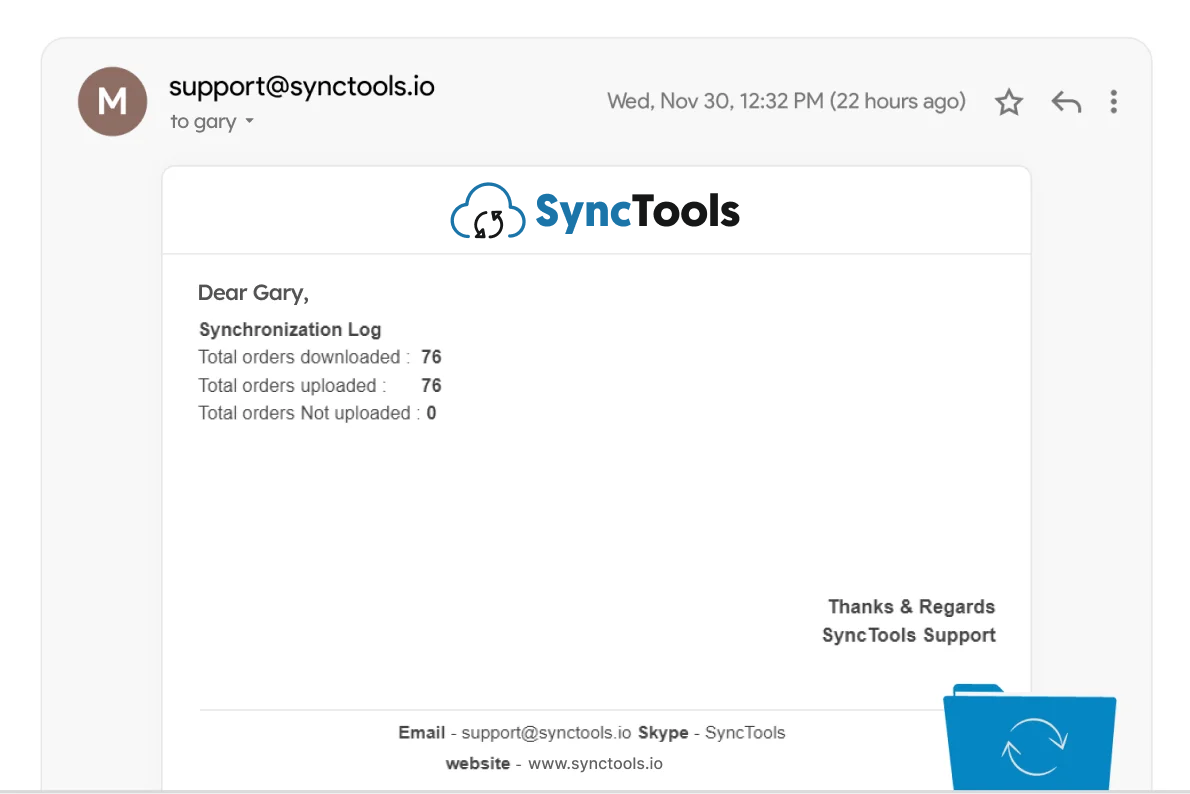
If ever any problem or error occurs in transfer then the account owner will get a message via email.
Real-Time sync
Sync transaction data from your multichannel eCommerce platform account to your accounting software every 30-45 minutes automatically/manually.
Advanced tax-setting rules
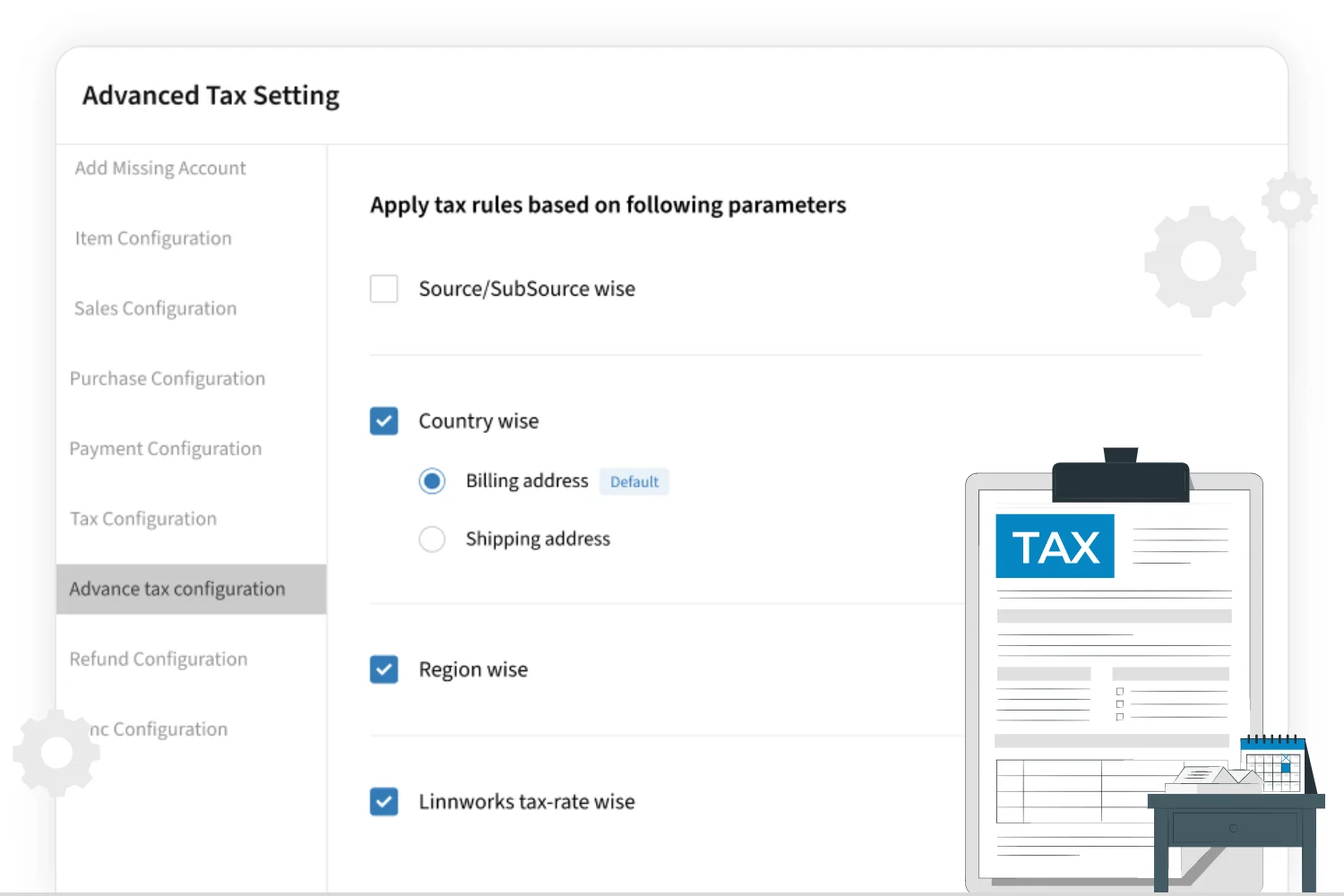
Schedule your taxes for USA, UK or different markets easily with tax-setting rules based on country & region wise, source/subsource & multichannel eCommerce platform tax rate.
Multiple accounting software connection
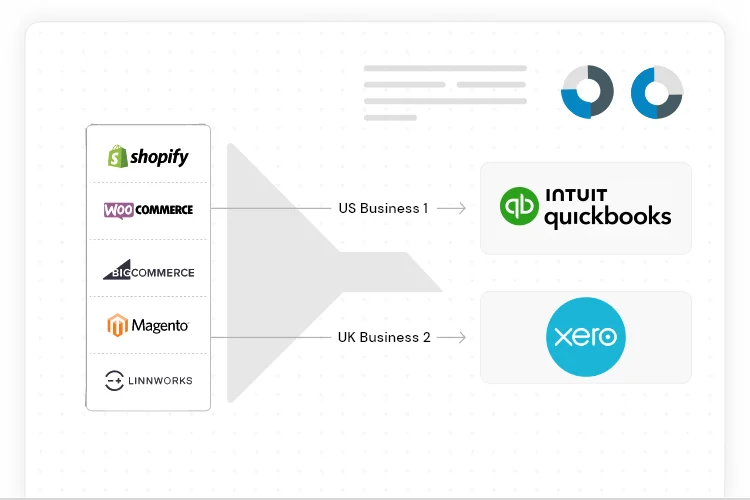
Connect multiple business entities with your multichannel eCommerce platform and manage the accounting separately for these entities.
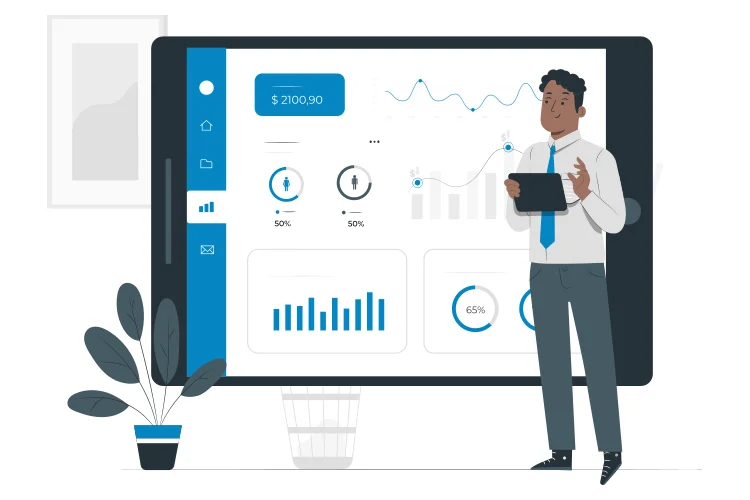
Dashboard
Analyze your synchronization with user-friendly dashboard and keep a track on the orders sync to your accounting software.